

Approvals across the apps
An approval is a step that waits for a person to decide before the automation goes on. A builder adds it in Flow. The person it’s waiting on answers wherever they work: in my.studio, on their phone, or in Flow itself. The answer goes back to the same run, and the automation continues from where it stopped.
Where each person answers
Section titled “Where each person answers”| Where | Who uses it | How they answer |
|---|---|---|
| my.studio › Tasks | Everyone | Approve or Reject, with an optional comment. Choices, written answers and forms are answered here too. |
| Mobile app › Needs you | Everyone, on the go | Yes-or-no approvals only. Anything that needs more stays in the list and is answered in my.studio. The phone sends a notification when a step is waiting on you. |
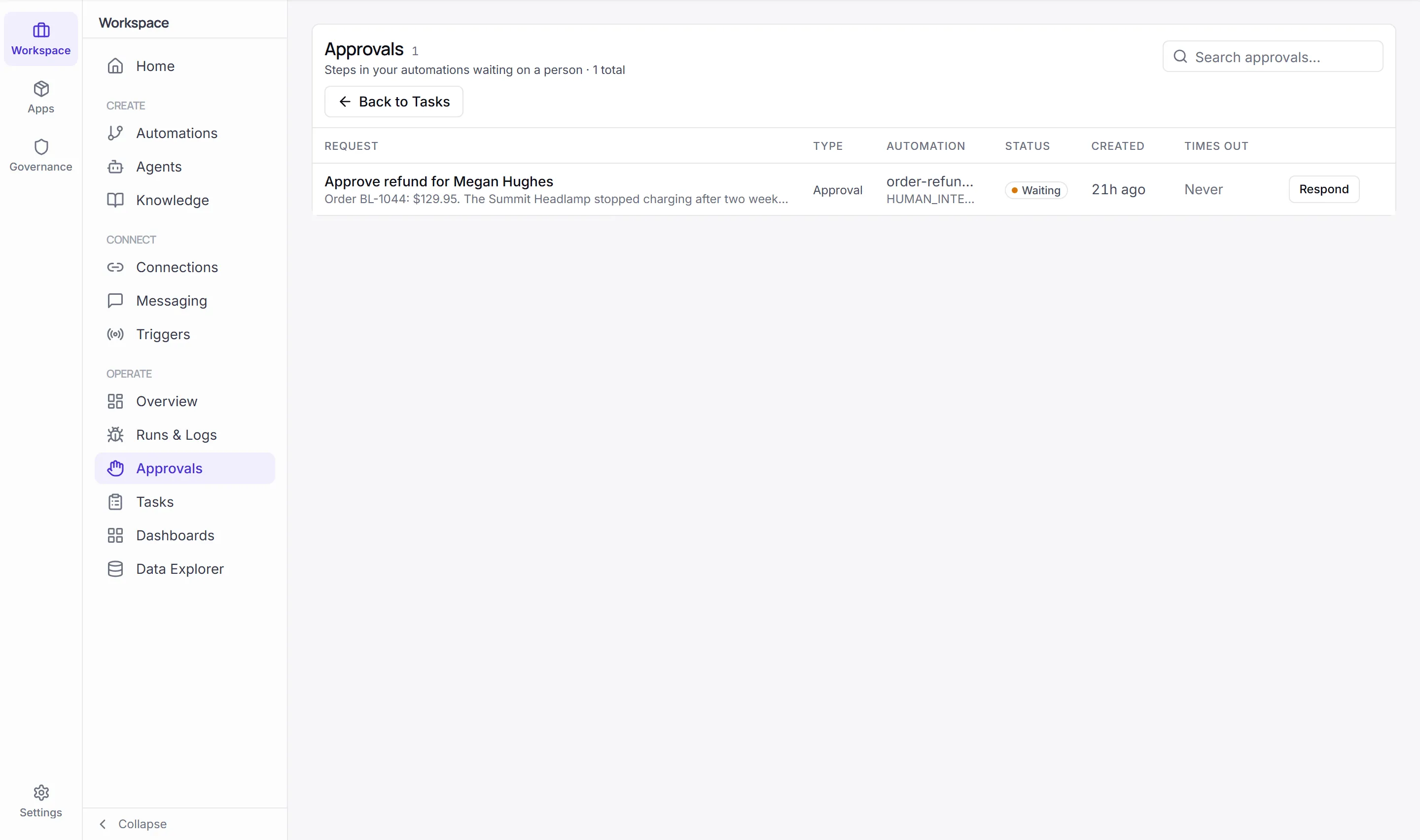
| Workspace › Operate › Approvals in the full Designer view (not in Flow) | Builders and administrators | Respond to any step waiting on a person in your organization. |
Learn more
Section titled “Learn more”Add an approval stepApproval, single and multiple choice, text and form steps, and how to branch on the answer.
Answer in my.studioTasks, the Needs you list on Home, approving and rejecting.
Answer on your phoneThe Needs you tab and its notifications.